The post Install MySQL for Hibernate appeared first on OctopusCodes.
]]>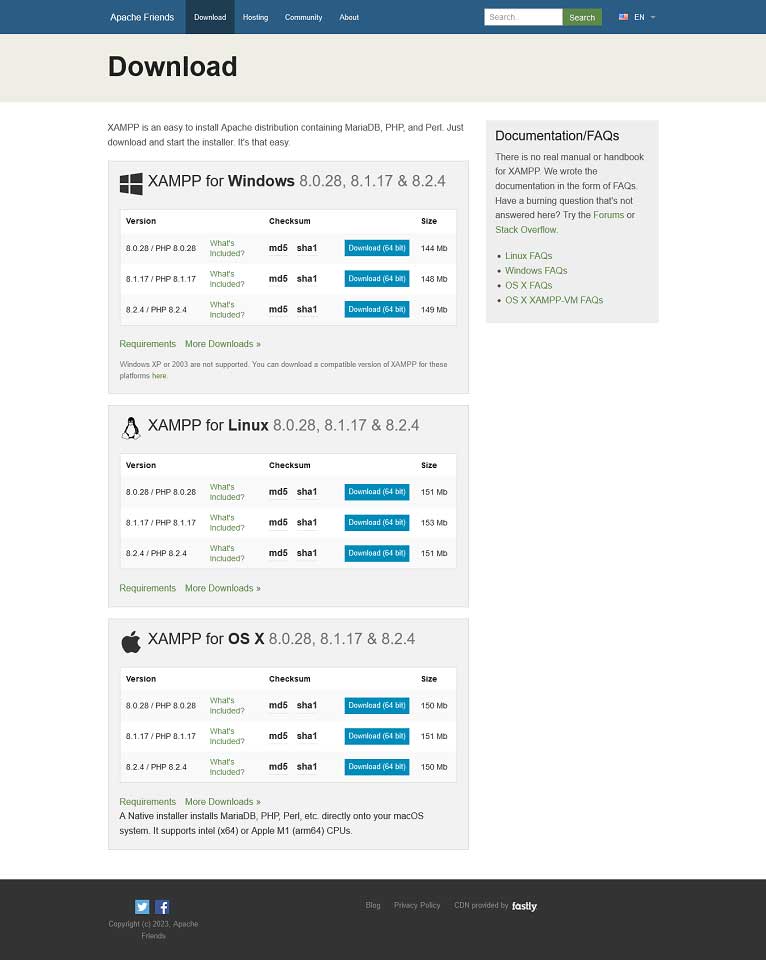
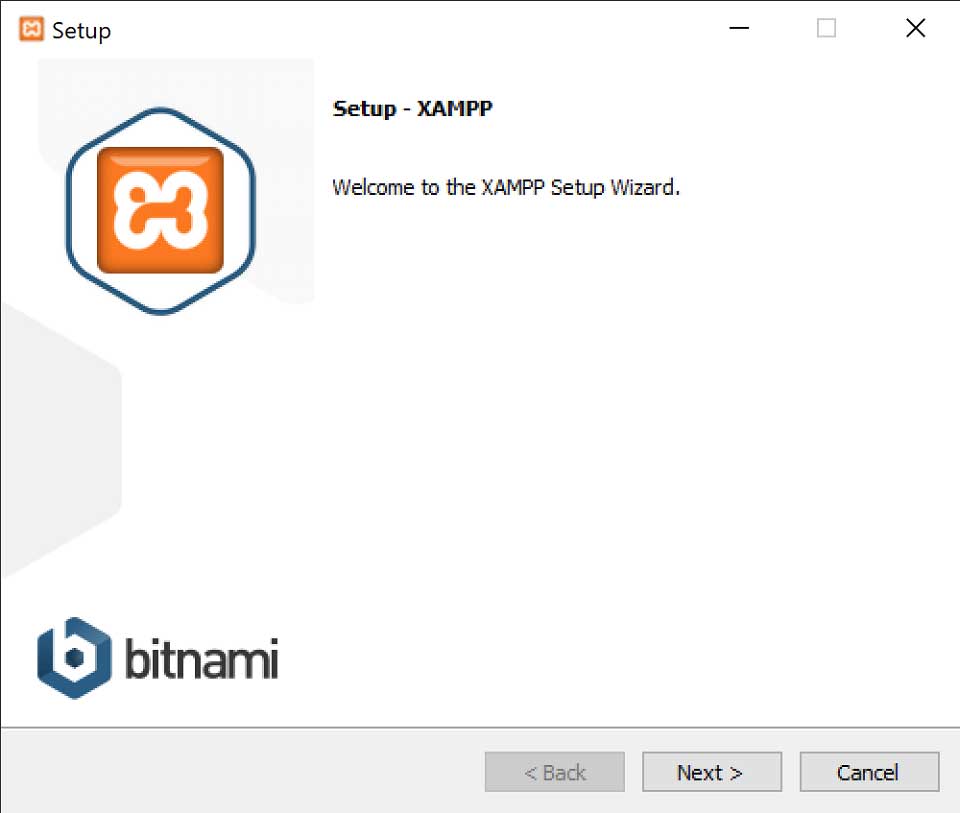
Step 2: Follow the instructions to install XAMPP.
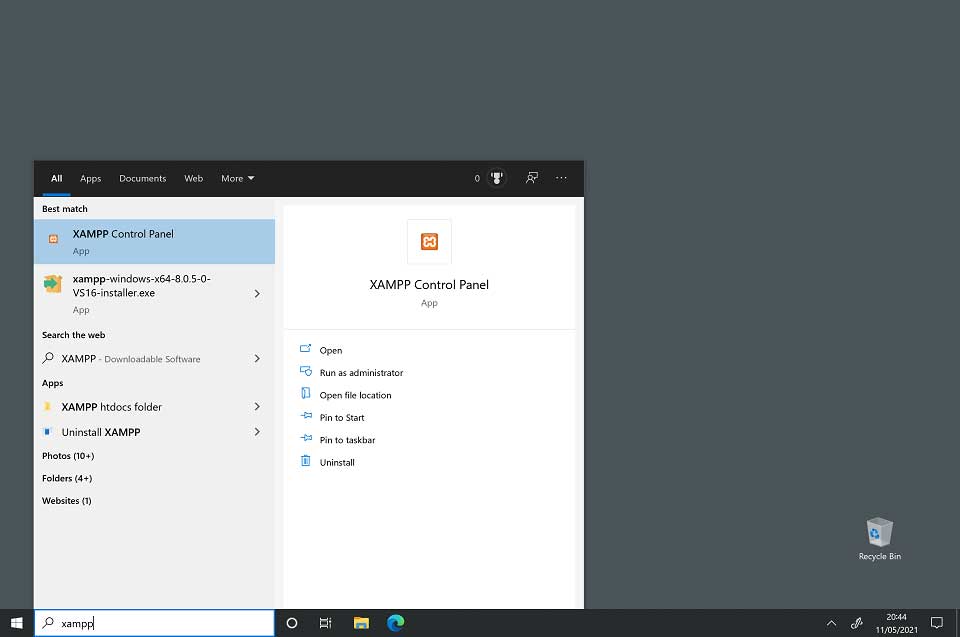
Step 3: To start XAMPP, type XAMPP into the search bar. Then select the XAMPP Control Panel to start XAMPP.
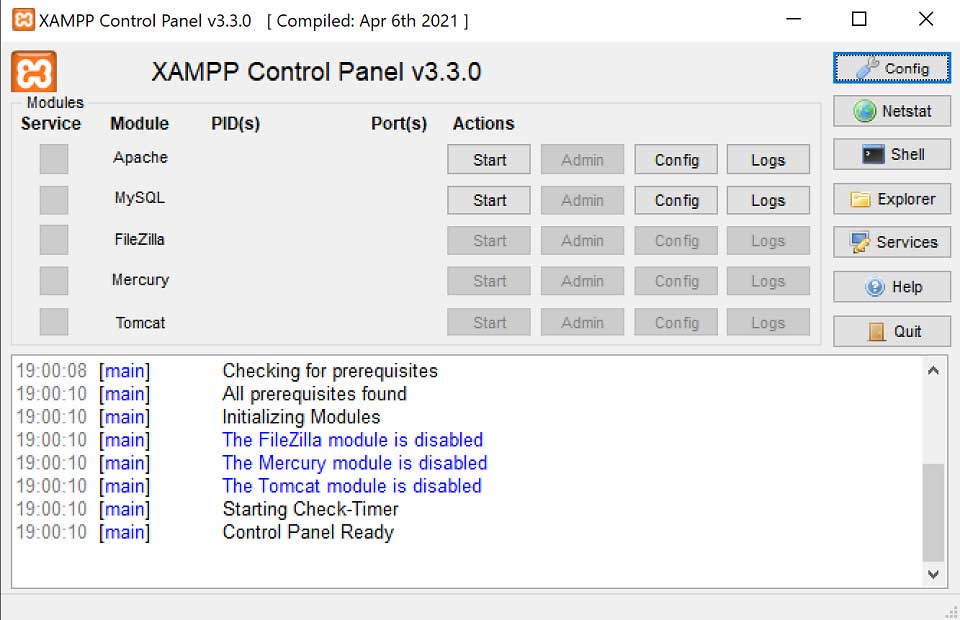
Step 4: The Start button for Apache is used to start the Apache web server (and then stop it when it is started). The Start button for MySQL will start the MySQL database (and then stop it when it is started).
The post Install MySQL for Hibernate appeared first on OctopusCodes.
]]>